Text / Description
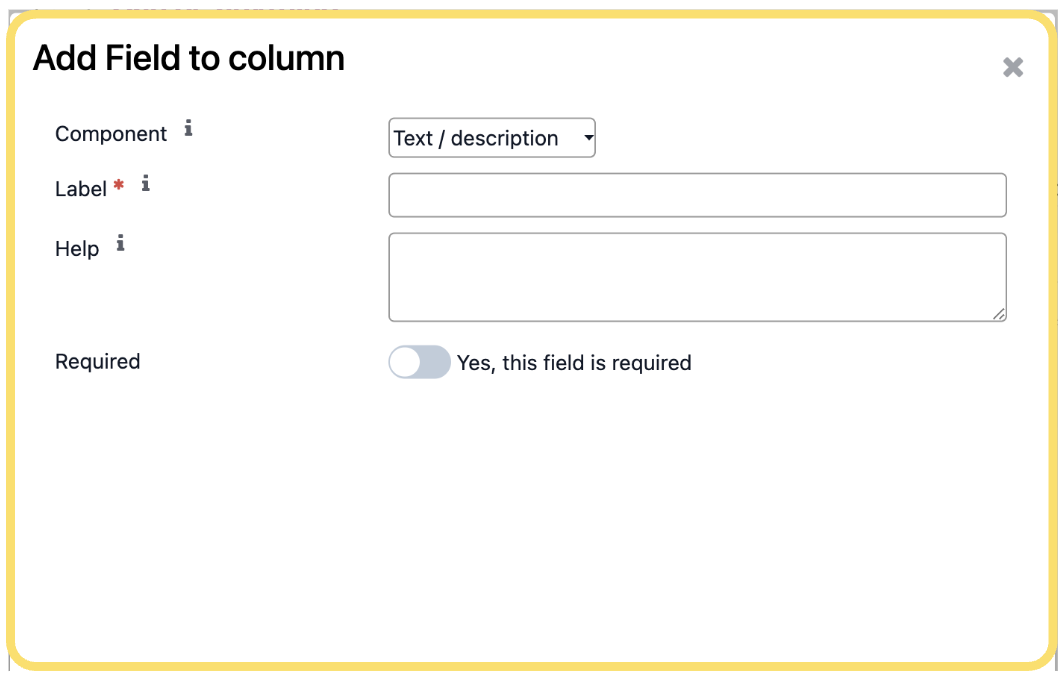
The Text / Description component allows you to display informational text, instructions, or descriptive content within a Settings Panel. This component is intended for presentation purposes and does not collect or store user input. It is useful for providing guidance, explanations, or contextual information to help users understand how to configure related settings.
Configure the following settings as required:
- Component– SelectText / Descriptionas the component type.
- Label– Enter the text for the text block. This text helps identify the information being presented.
- Help– Enter the descriptive content, instructions, or explanatory text that should be displayed to users.
Unlock the full Connecta experience
Join Connecta and discover the number one connection suite for Odoo. Access full documentation, guides, and integration knowledge.
Join Connecta now