How to Access Connecta in Odoo
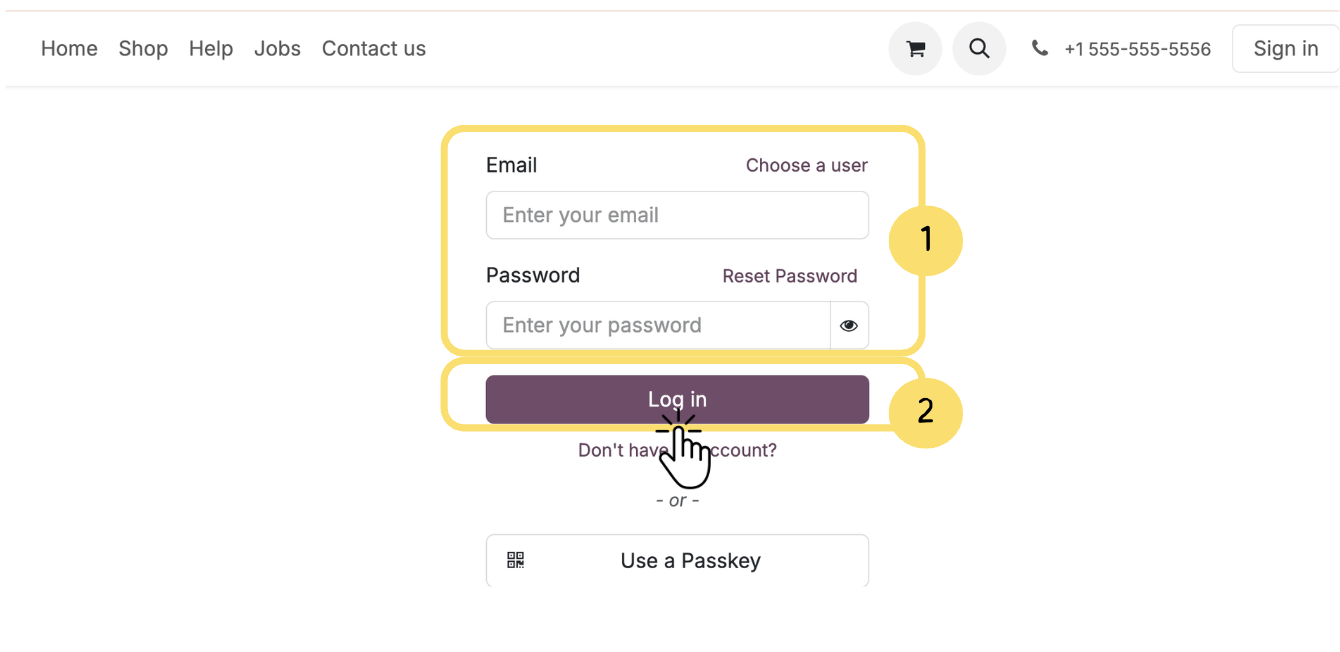
This section explains how to access the Connecta application within Odoo. Follow the steps below to log in to your Odoo environment and open the Connecta module. Once accessed, you will be able to begin configuring and managing your integrations.
1. In the login screen, enter:
- Your Email
- Your Password
2. Click the Log in button to access your Odoo environment.
Unlock the full Connecta experience
Join Connecta and discover the number one connection suite for Odoo. Access full documentation, guides, and integration knowledge.
Join Connecta now