How to Import and Export Connecta Configurations
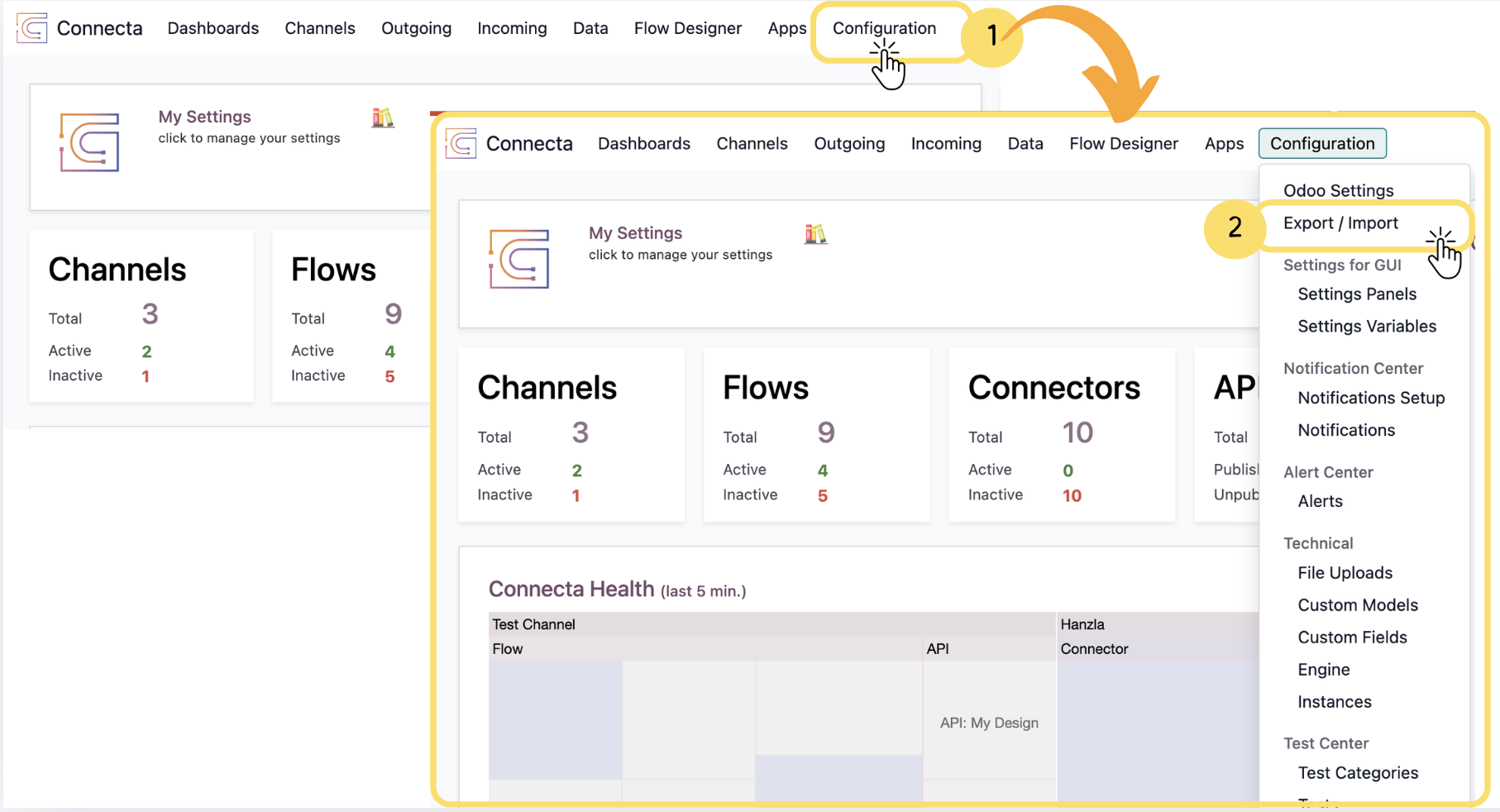
The Import/Export section allows you to transfer Connecta configurations between environments or create backups of existing setups. You can export selected configurations such as channels, flows, mappings, connectors, and webhook settings into a ZIP package, then import them into another compatible Connecta environment when needed. Please note that Exports and Imports are restricted to the same license.
1. From the top navigation menu, click Configuration.
2. Select Export / Import from the dropdown menu to open the Import/Export section.
3.
Unlock the full Connecta experience
Join Connecta and discover the number one connection suite for Odoo. Access full documentation, guides, and integration knowledge.
Join Connecta now