Flow
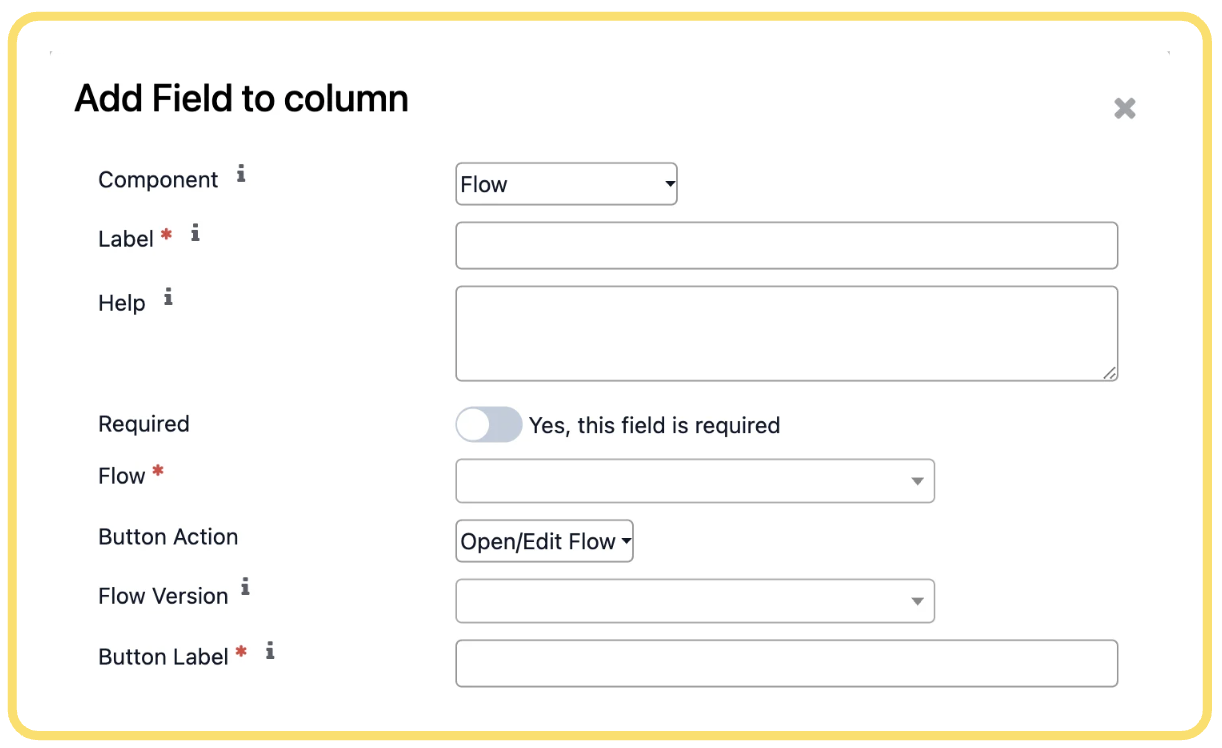
The Flow component allows users to interact with a Connecta Flow directly from a Settings Panel. Depending on the selected button action, users can launch, edit, or execute a specific flow from within the panel.
Configure the following settings as required:
-
Component – Select Flow as the component type.
-
Label – Enter the display name that will be shown to users for this component.
-
Help – Optionally provide guidance or instructions explaining the purpose of the flow action.
-
Required – Enable this option if user interaction with this component is mandatory before saving the panel.
-
Flow – Select the Connecta Flow that will be associated with this component.
Unlock the full Connecta experience
Join Connecta and discover the number one connection suite for Odoo. Access full documentation, guides, and integration knowledge.
Join Connecta now