Kay/Label On/Off
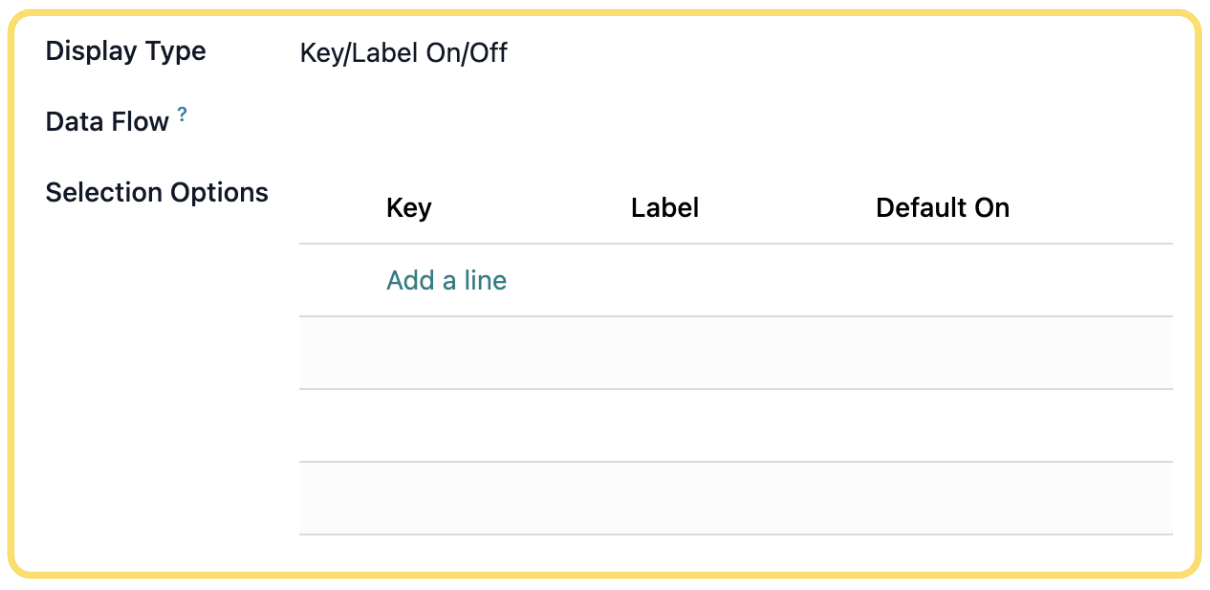
The Key/Label On/Off display type allows you to present users with a list of independent options that can each be enabled or disabled using toggle controls. The available options can be defined manually or populated dynamically through a Data Flow. After selecting Key/Label On/Off as the display type, configure the available options and, if required, associate a Flow to generate the list automatically.
Configure the following settings as required:
- Display Type– SelectKey/Label On/Offto configure the Settings Variable as a list of options where each item can be individually enabled or disabled.
- Data Flow– Optionally select a Flow that will dynamically generate the available options. This allows the option list to be populated automatically from external data or Flow logic.
- Selection Options– Define the available options that users can enable or disable.
Unlock the full Connecta experience
Join Connecta and discover the number one connection suite for Odoo. Access full documentation, guides, and integration knowledge.
Join Connecta now