Odoo Type 2 Solutions Connector
Connect Odoo with Type 2 Solutions using the Connecta Odoo Type 2 Solutions connector. This integration automates supported data flows between Odoo and Type 2 Solutions while keeping the configuration, mappings and synchronization logic manageable inside Connecta.
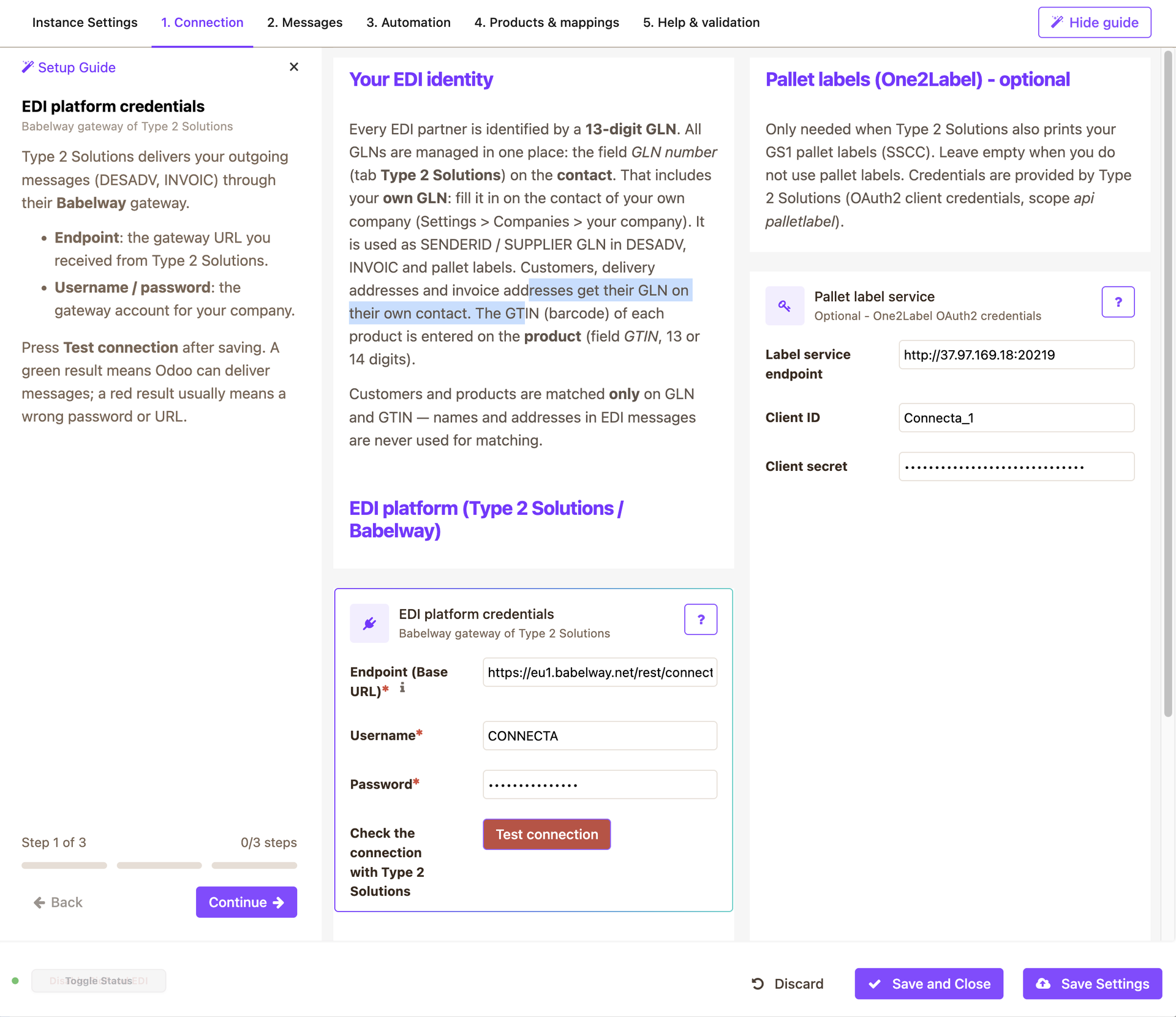
EDI with Type 2 Solutions, directly in Odoo
Connect your Odoo to the Type 2 Solutions EDI platform and exchange orders, despatch advices and invoices with your retail and wholesale customers without manual work.
What it does
- ORDERS in: incoming EDI orders become draft (or confirmed) sales orders. Customers, delivery and invoice addresses are matched on GLN; products are matched on the standard Odoo product barcode or the packaging barcode (for example a box of 6 with its own EAN). The order line gets the right packaging unit automatically.
- Validation and duplicate protection: messages with unknown GLNs, unknown or invalid GTINs or quantity 0 are refused with every reason listed; an order that is offered twice is recognised and not created again.
- DESADV out: when a delivery is done, a despatch advice is sent automatically, with the GTIN of what was actually shipped (packaging or piece).
- INVOIC out: when an invoice is posted, the EDI invoice is sent automatically, per line with the matching GTIN.
- Pallet labels: optional GS1 pallet labels through One2Label, attached as PDF to the delivery.
- Every message is stored as an attachment on the order, delivery or invoice, and failures show up in the Alert Center so they can be resent.
Requirements
- Odoo 19
- A Type 2 Solutions EDI account (username and password) and, for pallet labels, One2Label credentials
- GLN numbers on your own company and on your EDI customers, and barcodes on your products and packagings
Known limitations
- Credit notes are sent as invoice type 380.
- Invoices with mixed VAT rates are sent with one aggregated VAT block.
How the Odoo Type 2 Solutions connector works
Connecta manages the connection between Odoo and Type 2 Solutions through configured connectors, mappings, flows and synchronization setups. The supported synchronization objects below show which business data can move in each direction for this connector.