

Picqer for Odoo
The Picqer app connects Odoo to one or more Picqer accounts. Odoo stays the source of truth: products and orders go from Odoo to Picqer, and Picqer reports shipments and stock back to Odoo. You can work with your own Picqer account, with one or more fulfilment partners (3PLs) that use Picqer, or with both at the same time.
What the app does
- Products (Odoo → Picqer): created and updated in Picqer, including the image, in the connections where they belong, when a product changes in Odoo or when you click Send products to Picqer.
- Orders (Odoo → Picqer): sent when a delivery with the shipping method Picqer delivery is validated, or released with Send to Shipper.
- Shipments with track & trace (Picqer → Odoo): reported when Picqer ships a parcel.
- Stock (Picqer → Odoo): reported when stock changes in Picqer.
- Colli as virtual compositions (Odoo → Picqer): when a colli product (SKU ending in
-Cplus a quantity) is created, or its SKU or unit of measure changes. - Order field mapping (Odoo → Picqer): applied to every order.
Highlights
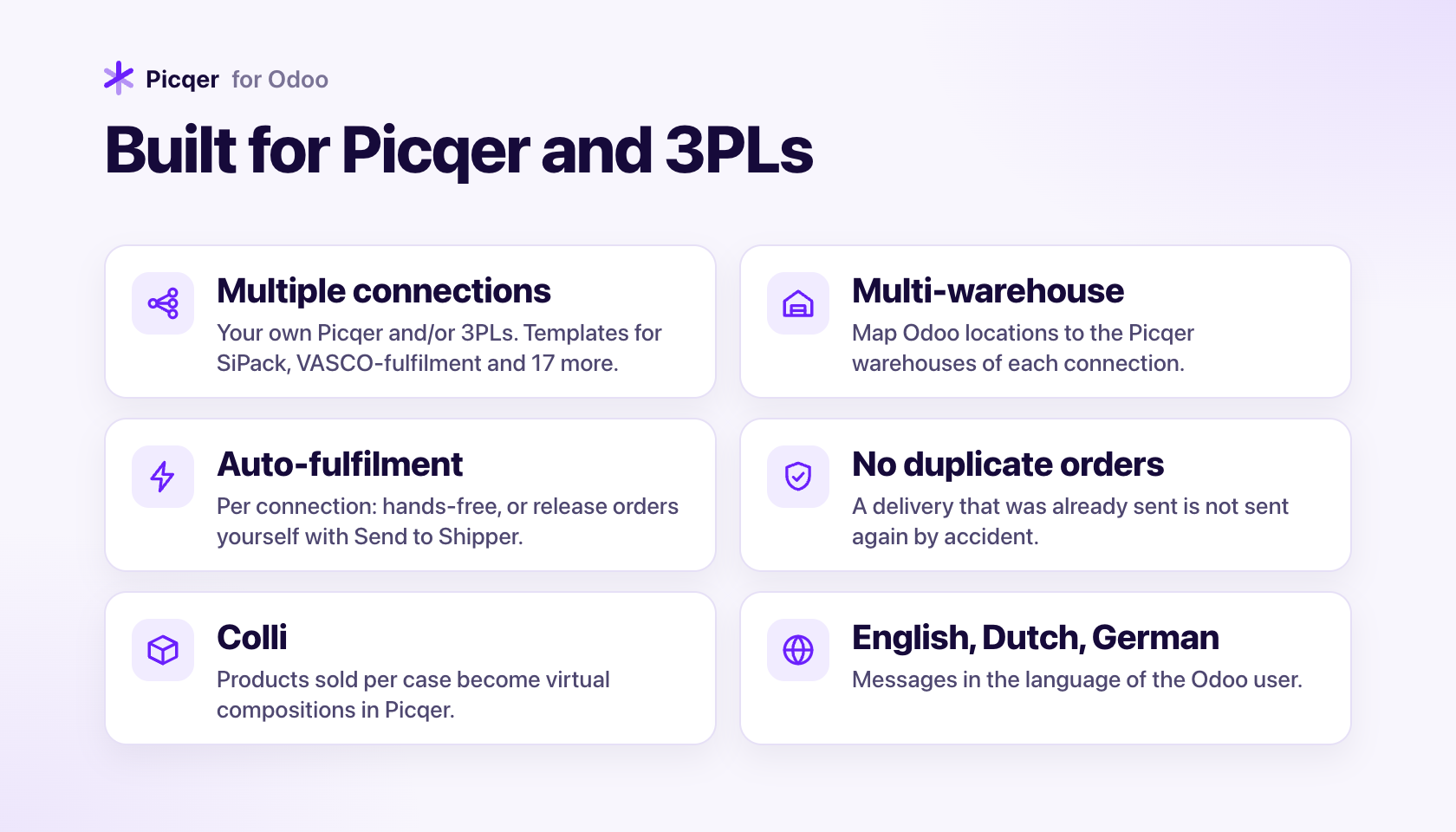
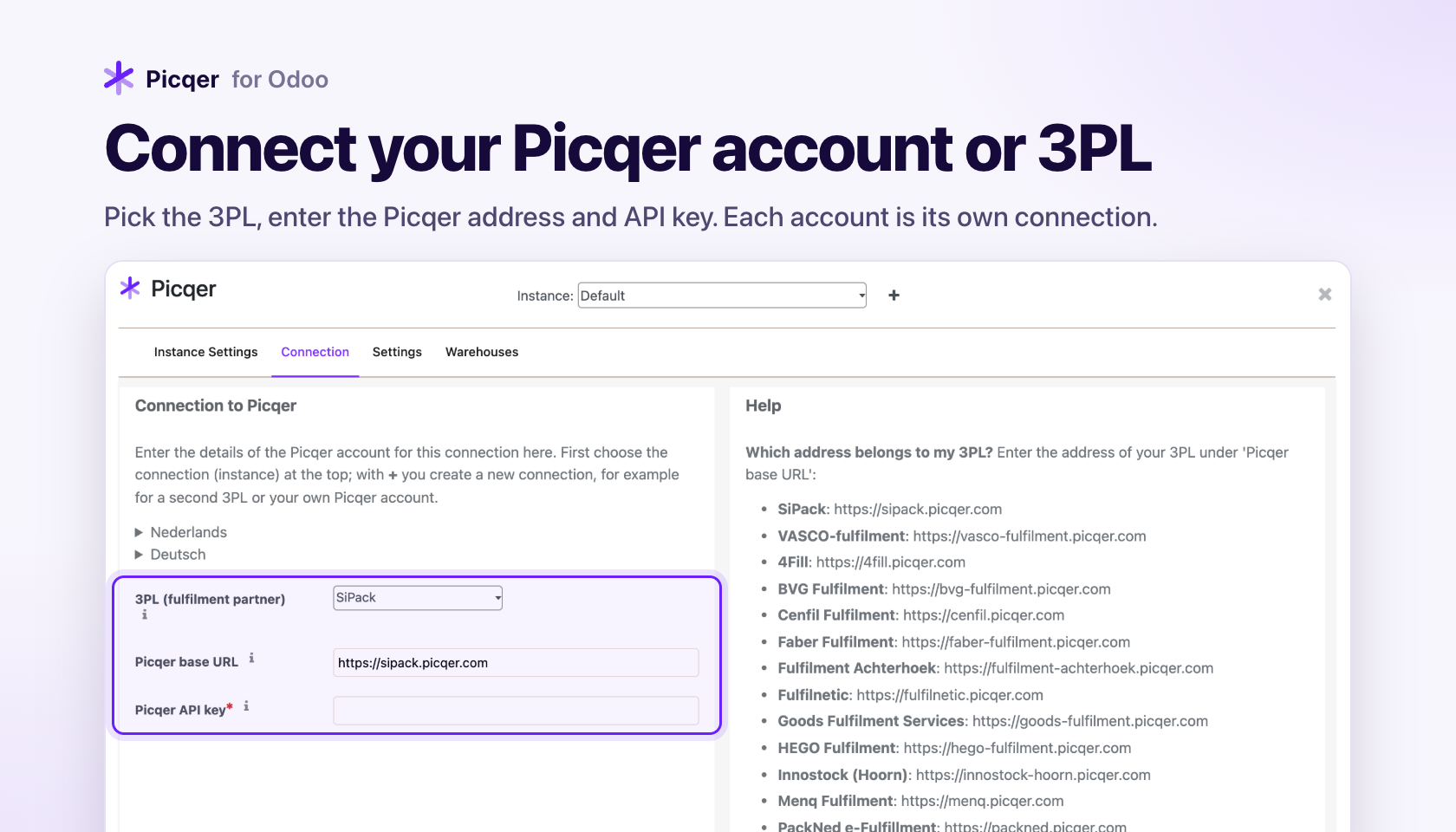
- Multiple connections. Each Picqer account is a separate connection with its own address, API key, settings and warehouse mapping.
- 3PL templates. Built-in Picqer addresses for SiPack, VASCO-fulfilment and 17 other fulfilment partners, with an automatic check after saving.
- Multi-warehouse. Link Odoo locations to the Picqer warehouses of each connection; orders and stock go to the right connection.
- Products per connection. Putaway rules and an optional product filter decide which products go to which connection.
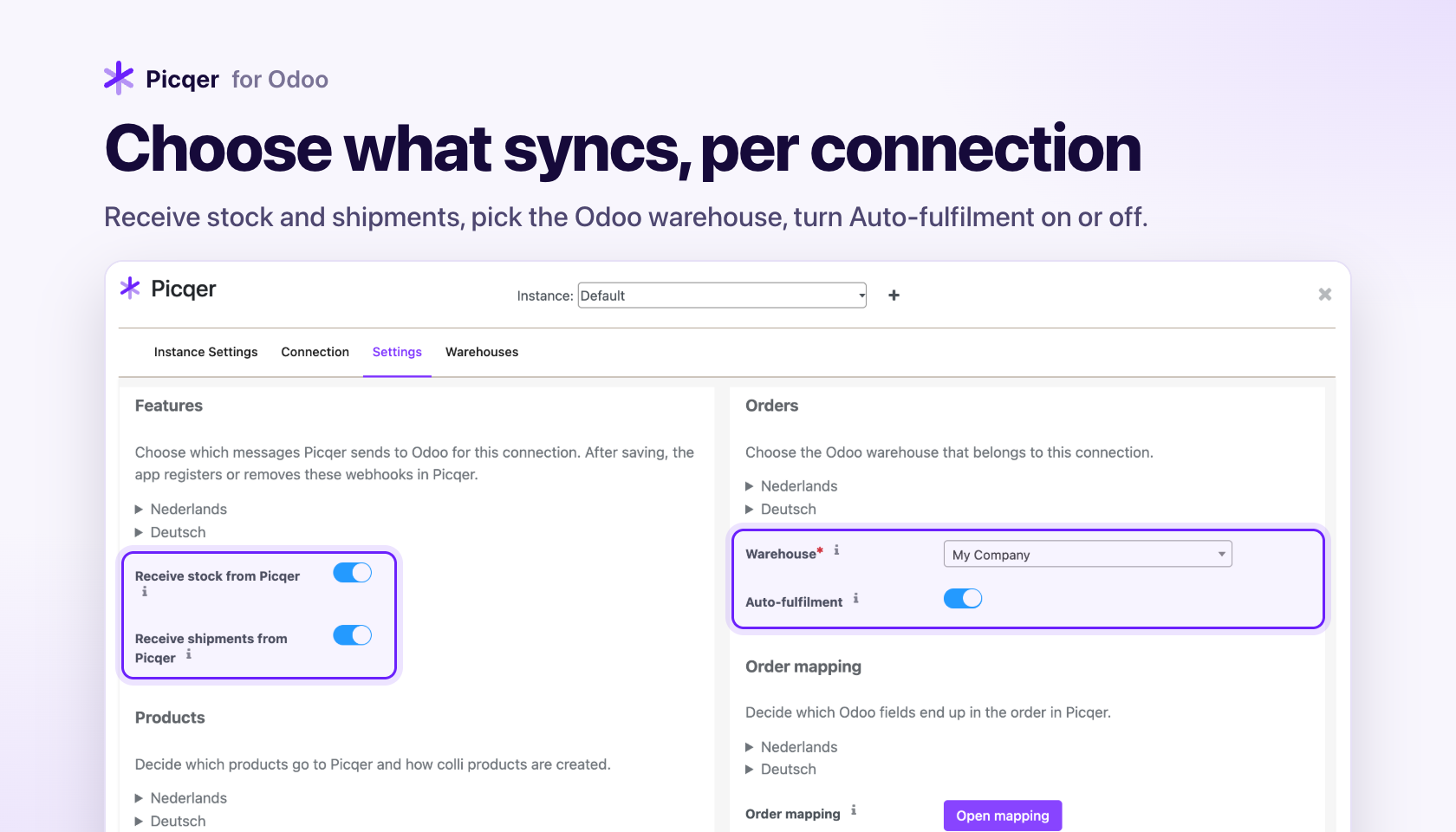
- Auto-fulfilment per connection. On: orders go to Picqer hands-free. Off: orders wait in Odoo until you release them.
- No duplicate orders. A delivery that was already sent is not sent again by accident.
- Safe testing. With Create orders as concept an order stays as concept in Picqer, so nothing is shipped while you test.
- Multilingual. The settings panel explains everything in English, Dutch and German, and messages on deliveries follow the language of the Odoo user.
Who it is for
Webshops and wholesalers that manage sales in Odoo and run their warehouse, or have it run by a fulfilment partner, on Picqer.
How this documentation is organised
- Getting started: requirements, installation and your first connection.
- Connections and 3PLs: working with several Picqer accounts and fulfilment partners.
- Settings panel: every tab and field explained.
- How it works: what happens with products, orders, shipments, stock and colli.
- Languages, Updating the app, Troubleshooting and FAQ, Limitations and Release notes.