
Odoo Exact Online Connector
Connect Odoo with Exact Online using the Connecta Odoo Exact Online connector. This integration automates supported data flows between Odoo and Exact Online while keeping the configuration, mappings and synchronization logic manageable inside Connecta.
Exact Online NL Integration for Odoo
Keep Odoo and Exact Online NL aligned automatically. Contacts, products, invoices and payments flow from Odoo to Exact Online, while contact and item changes in Exact Online are pushed back to Odoo through webhooks.
From Odoo to Exact Online
- Sync contacts (accounts and contact persons) to Exact Online, with configurable match mode and custom fields
- Sync products to Exact Online items
- Sync posted customer invoices to Exact Online, either as sales entries (financial transactions) or as invoices to be printed/mailed
- Auto-create missing contacts and products when an invoice is synced
- Upload the invoice PDF to Exact Online
- Sync payments as cash entries, with configurable general ledger accounts per payment method
- Cost centers and cost units from Odoo analytic accounting
From Exact Online to Odoo
- Contact changes (accounts) via webhooks
- Item (product) changes via webhooks
- Import all contacts and all items
- Retrieve general ledger accounts, journals, VAT codes and payment conditions for mapping
Configuration
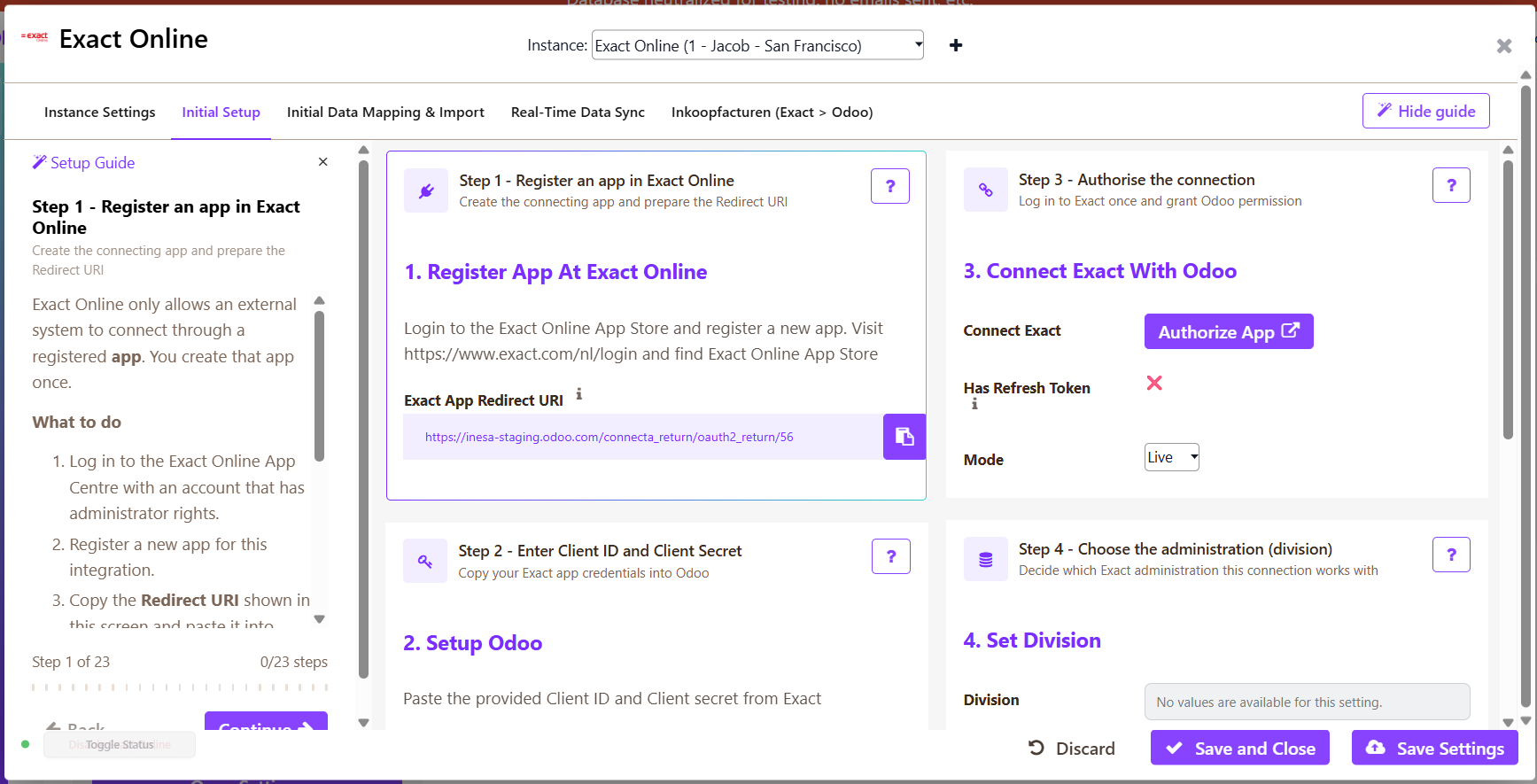
Everything is configured from the Exact Online settings panel in Odoo: division, which objects to sync, sales journal, invoice flow, PDF upload, payment method journals and ledger accounts, cost center and cost unit, and company. The mappings for accounts, contacts and products are open and can be adjusted to your needs.
Ideal For
Companies that run sales and operations in Odoo while their bookkeeping (or their accountant) works in Exact Online NL.
How the Odoo Exact Online connector works
Connecta manages the connection between Odoo and Exact Online through configured connectors, mappings, flows and synchronization setups. The supported synchronization objects below show which business data can move in each direction for this connector.
Odoo Exact Online Integration: Supported Data Flows
How are invoices sent to Exact Online?
Posted Odoo customer invoices are synced automatically. In the settings panel you choose the invoice flow: as sales entries (financial transactions) or as invoices to be printed/mailed in Exact Online. The invoice PDF can be uploaded as well.
What happens if the contact or product does not exist in Exact Online yet?
With Invoice Create Contacts and Invoice Create Products enabled, the missing contact or product is created in Exact Online automatically when the invoice is synced.
Are changes in Exact Online sent back to Odoo?
Yes. Account (contact) and item (product) changes in Exact Online are pushed to Odoo via webhooks. Invoices and payments are one-way, from Odoo to Exact Online.
Can I change the mappings?
Yes. The mappings for accounts, contacts and products are open and can be adjusted. If you need more data to be synced, let us know.
Which Odoo apps are required?
Accounting and Products (account, product) must be installed.