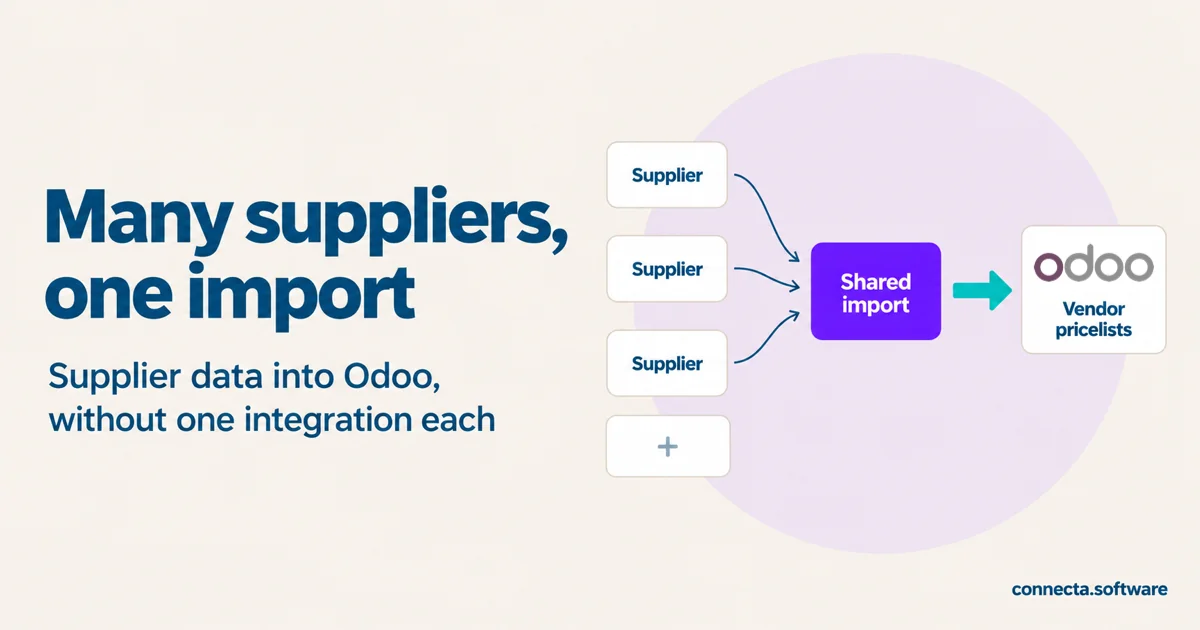
At Odoo Experience, Hilco, one of Connecta's founders, got talking to someone about the project they were working on. Only at the end did Hilco learn he was talking to a partner.
The partner's customer buys from a lot of suppliers. The plan: keep each supplier's data in an external database and use Odoo's catalog to pick products from it. Hilco's answer was short: why not push the data into Odoo?
We had just built exactly that with Connecta, on another project. Here's how it works, and what to decide before you build one.
Why is supplier data hard to get into Odoo?
Every supplier sends its products, prices, and availability in its own format, through its own channel.
Odoo already has a place for most of it: vendor pricelists. Each product can list several vendors, each with a price, a minimum quantity, a lead time, and the vendor's own product code. When you create a request for quotation to one of those vendors, Odoo fills in its price.
You can import vendor pricelists from a spreadsheet. With one supplier, that's fine. With many, each sending updates in a different format, someone ends up reworking files by hand before every import.
What's the tempting way?
One complete integration per supplier. Each one fetches the supplier's data, matches the products, and writes everything into Odoo by itself.
It works for the first supplier. The trouble starts with the third:
- The part that writes into Odoo exists once per supplier.
- To change what lands in Odoo, you change every integration.
- A new supplier means building the whole thing again.
What did we build instead?
Two kinds of flows, each with one job.
- One small flow per supplier. It only fetches that supplier's data and turns it into a list in the same shape as every other supplier's: name, image URL, price, and so on. It doesn't match products or write anything into Odoo.
- One shared import that all those flows call. It's the only part that writes into Odoo, to standard product and vendor records.
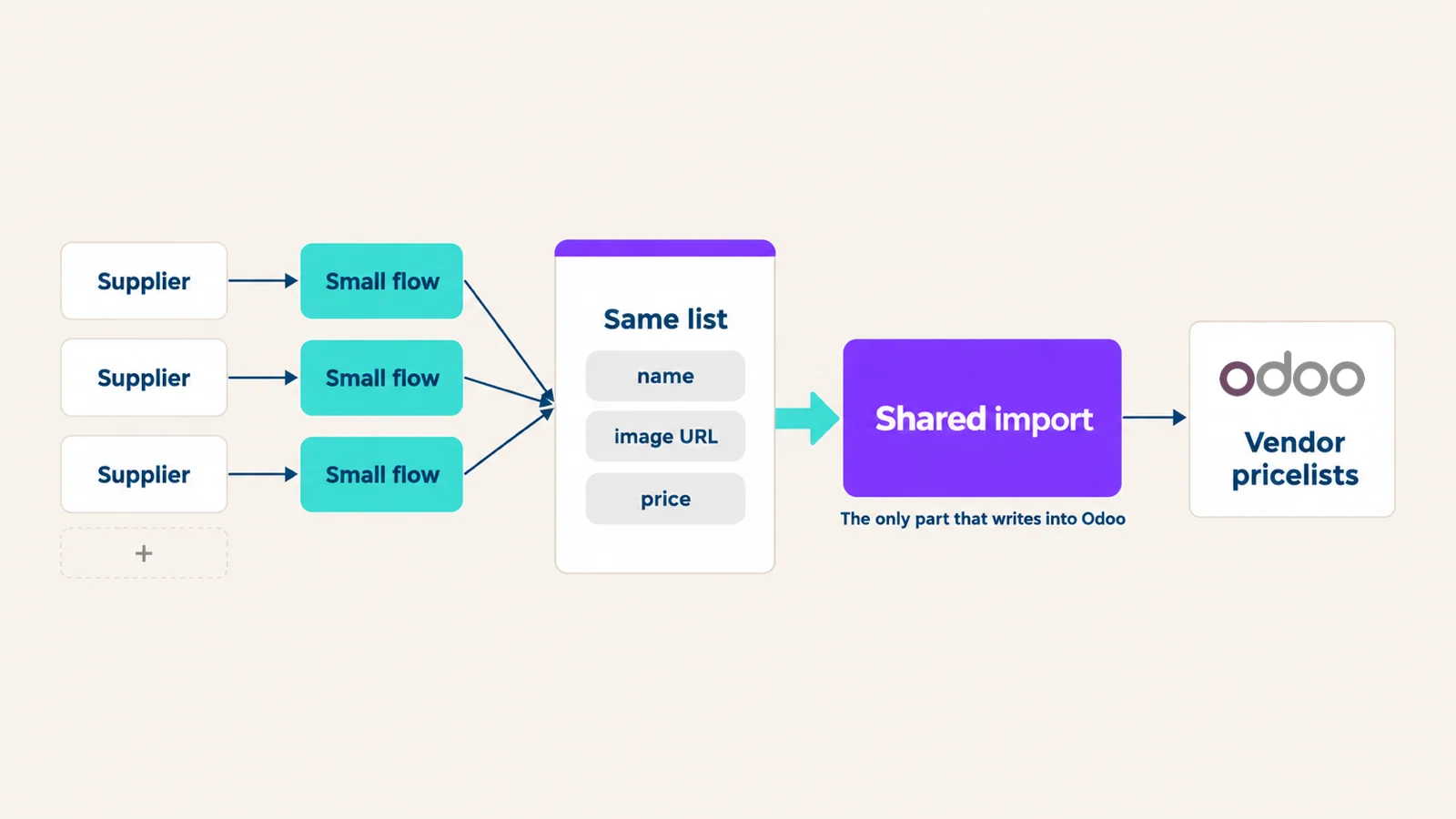
With that split:
- A new supplier only needs a small flow that reads its data.
- A change to what lands in Odoo happens once, in the shared import.
- When a supplier changes its format, the fix stays in a flow that only reads, and nothing that writes into Odoo is touched.
Why should the data end up in standard Odoo?
Because the customer's team then works in default Odoo. The vendor prices show up on the product and on new requests for quotation, and there's nothing extra to learn.
An external database is one more system to keep in step with Odoo, and one more place to look when a price is wrong.
What should you decide before you build it?
- Which data comes in. Products and prices first. Stock can get its own shared import, built the same way.
- What the shared list looks like. Agree on the fields once. Every supplier flow delivers exactly that.
- How a supplier's product finds its Odoo product. Once a product is linked to a supplier, the vendor product code on that line is a standard field you can match on. The first match for a new product is the decision to make.
- How often you fetch each supplier's data. Not every supplier updates at the same pace.
- What happens when a supplier sends something wrong. You want to see which supplier, which product, and why, without opening every flow.
Where does Connecta fit?
In Connecta, both the supplier flows and the shared import run inside your customer's Odoo. Each step is logged, so when one supplier's data fails, you see what came in, what was passed on, and where it stopped.
We didn't use any of our ready-made connectors. Everything was built with Connecta, for the customer's own suppliers.
Bring your supplier list
If your customer buys from many suppliers and the data has to end up in Odoo, book a demo and bring your supplier list.
Book a demo